Netwrck

Title: I've been using GrokImage.ai to generate images & videos — here's what makes it different
Hey Netwrck community! 👋
If you're into AI art generation, I wanted to share a tool I've been using a lot lately: GrokImage.ai
What sets it apart from most generators is that you get multiple AI models in one place — Grok, Gemini, and NanoBanana Pro — and you can switch between them depending on what you're making. No more being locked into one style or one model's quirks.
What I use it for:
🎨 Text-to-image — Grok model is great for stylized/cinematic art, Gemini handles realistic scenes better, NanoBanana Pro is my go-to for bold social-ready visuals
🖼️ Image-to-image — upload a sketch or reference and transform it. Super useful for iterating on character designs or turning rough concepts into polished art
🎬 AI video generation — powered by Grok Imagine, you can go from a text prompt or image straight to a short video with audio. The Spicy / Fun / Normal modes give you different vibes
The multi-model approach is genuinely useful — I'll start a concept in one model and refine it in another. Iteration is fast.
Free to try, no install needed, runs in the browser.
👉 grokimage.ai
Curious if anyone else here has been mixing models for their workflow — what combos do you use?
grokimage.ai
grokimage.ai
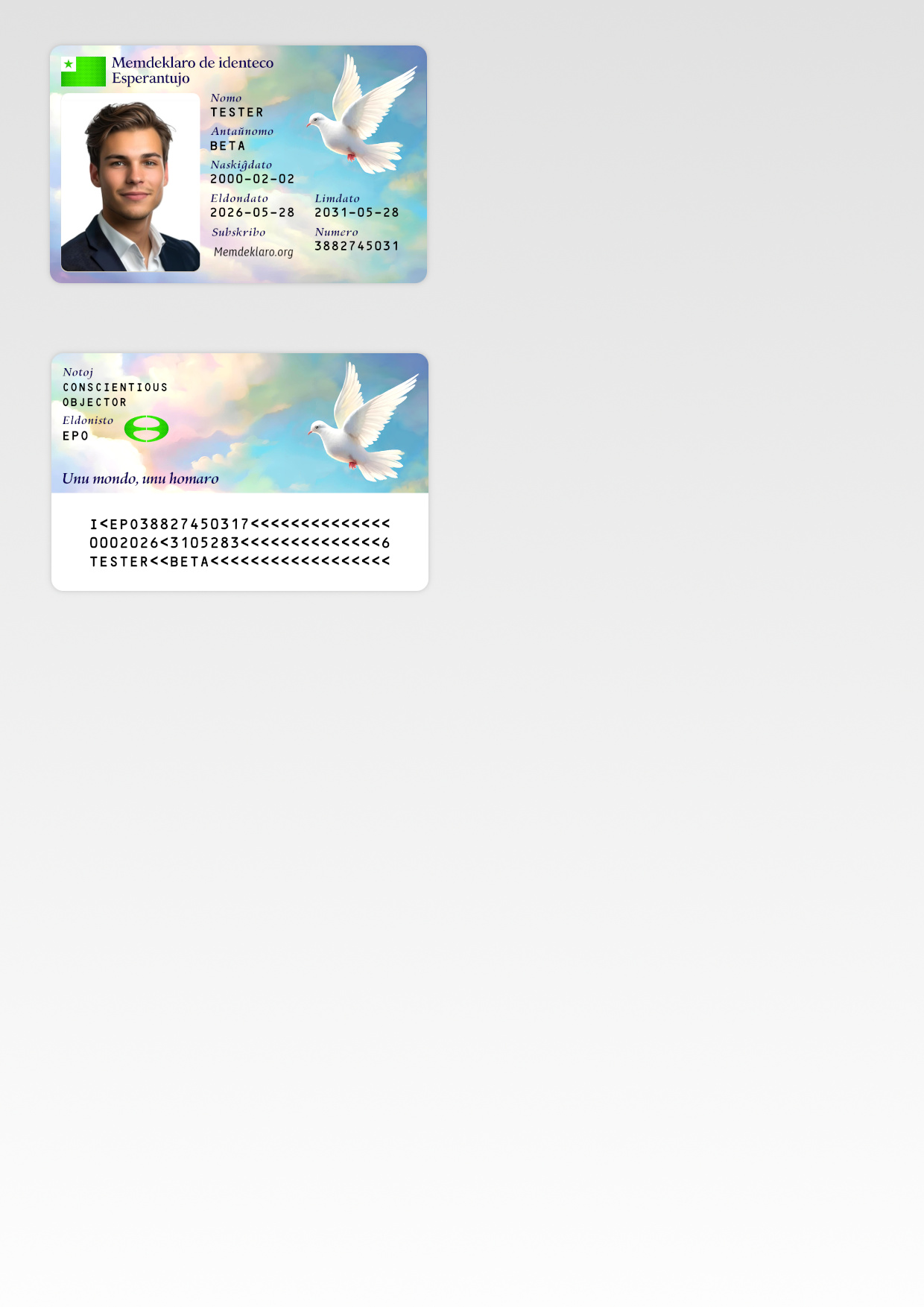




*A wordmark becomes useful when typography, composition, and export decisions are treated as one connected workflow.*
A product name may begin as a line of text, but a usable wordmark is more than a font choice. It has to remain recognizable in a website header, fit inside a social avatar, survive a transparent export, and still feel intentional when reduced to favicon size.
That creates a practical design problem: how can a founder or creator move from a name to a flexible set of brand assets without turning every experiment into a long desktop-design session?
This article presents a repeatable browser-based workflow for doing exactly that. It focuses on the decisions that matter—readability, per-character treatment, spacing, layers, backgrounds, and export formats—rather than on adding decoration for its own sake.
> **Disclosure:** I am part of the team behind [Text Logo](https://textlogo.app), the browser-based editor used in the examples below. The design principles and checklist apply regardless of which design tool you use.
## 1. Begin with the destination, not the font
Before opening a font library, write down where the logo must work. A wordmark intended only for a large presentation cover can be wide and detailed. A product identity usually needs to work in several very different environments:
- a desktop and mobile website header;
- a square social avatar;
- a favicon or application icon;
- a light and a dark interface;
- a transparent asset placed over different backgrounds;
- a scalable file handed to another designer or developer.
These destinations create constraints. A long wordmark may need a compact companion mark. Thin strokes may disappear at small sizes. A gradient that looks good on a large canvas may become muddy in a 32-pixel icon. Thinking about delivery first prevents a polished design from failing at the final export step.
A useful starting brief can be as short as this:
| Decision | Example constraint |
| --- | --- |
| Primary placement | Website header |
| Smallest placement | 32 × 32 favicon |
| Backgrounds | Light, dark, and transparent |
| Required files | SVG, PNG, WebP, and ICO |
| Recognition priority | The full name must remain readable |
## 2. Establish a readable typographic baseline
Start with the complete name in one typeface, one color, and one weight. At this stage, the goal is not uniqueness. The goal is to create a stable baseline that exposes the real shape of the word.
Review four properties before changing individual letters:
1. **Silhouette** — Does the word have a balanced overall shape, or is one side visually heavier?
2. **Spacing** — Do any letter pairs feel unusually tight or loose?
3. **Contrast** — Does the text remain clear against the intended background?
4. **Scale** — Can the name still be read when the canvas is reduced to its smallest realistic use?
Google Fonts and other broad font libraries are useful for exploration, but browsing more fonts does not automatically produce a stronger identity. It is often better to choose a structurally appropriate family and then refine spacing and emphasis deliberately.
## 3. Use per-character styling as emphasis, not noise
The most distinctive part of a wordmark is often a small exception: one letter changes weight, a character shifts vertically, or a single color creates a visual anchor.
Per-character controls make these exceptions possible without breaking the entire word into unrelated pieces. Useful adjustments include:
- changing the font or weight of one character;
- increasing or reducing the scale of a selected letter;
- applying a restrained rotation;
- moving a character horizontally or vertically for optical alignment;
- assigning one accent color while keeping the rest of the word neutral.
The important test is whether the change improves recognition. If every character uses a different font, color, angle, and scale, the result usually becomes a collection of effects rather than a coherent identity.
A simple rule is to introduce one meaningful contrast at a time. Make the change, zoom out, and compare it with the baseline. Keep it only if it creates a clearer focal point without reducing legibility.
## 4. Treat spacing as part of the drawing
Default font metrics are designed to work across thousands of possible words. A logo only needs to work for one specific name, which means its spacing can—and often should—be tuned for that exact sequence of letters.
Look for pairs such as diagonal-to-round, uppercase-to-lowercase, or narrow-to-wide characters. The numerical gap between two letters can be equal while the perceived gap is not. Optical spacing corrects what the eye sees rather than preserving a mathematically uniform distance.
When testing spacing:
- temporarily view the word in a single dark color;
- remove icons and background effects;
- compare it at large and small sizes;
- check both the full word and its outer silhouette;
- avoid compressing the name merely to make it fit a predetermined canvas.
This stage is easy to skip because the changes are subtle. It is also one of the stages that most clearly separates a considered wordmark from ordinary typed text.
## 5. Build the composition with layers
A wordmark may need more than characters. A compact symbol can support recognition, a geometric shape can provide structure, and a background can establish the necessary contrast. Managing those elements as layers keeps the composition editable.

*A practical workflow: define the text, shape individual characters, assemble supporting layers, and export the required assets.*
Each layer should have a specific role:
| Layer | Useful role | Common mistake |
| --- | --- | --- |
| Text or character | Name, initials, or typographic accent | Sacrificing readability for novelty |
| Icon | Recognition or meaning | Adding a symbol unrelated to the name |
| Shape | Container, underline, badge, or balance | Using shapes only to fill empty space |
| Uploaded image | Authorized illustration or texture | Using an asset without sufficient rights |
| Background | Contrast and overall mood | Designing only for one background color |
Layer operations such as reorder, hide, lock, duplicate, and align are not merely interface conveniences. They support comparison. You can duplicate an element before trying a new direction, hide a decorative layer to test the core wordmark, or lock the background while adjusting characters.
## 6. Design a small-size companion, not a shrunken copy
A full wordmark and an application icon solve different problems. Reducing a long name until it fits inside a square often produces an unreadable result. Instead, create a companion version using an initial, a distinctive letter treatment, or a simplified symbol derived from the main identity.

*A compact mark should preserve a recognizable idea from the larger identity while removing detail that cannot survive at small sizes.*
Test the compact version at several sizes, including 512, 128, 64, 32, and 16 pixels. At the smallest sizes, inspect the actual exported file rather than relying only on a zoomed canvas preview. Check whether corners blur, internal spaces close, or thin strokes disappear.
## 7. Export according to the destination
There is no single best logo file format. The right format depends on where the asset will be used.
- **SVG** preserves vector shapes and is usually the best master format for websites, responsive interfaces, print handoff, and future editing.
- **PNG** supports transparency and broad compatibility, making it useful for documents, presentations, social media, and application assets.
- **WebP** can provide compact raster delivery for modern web pages.
- **ICO** packages icon-oriented assets for favicons and desktop contexts.
Exporting is also a quality-control step. Before considering the work finished, verify:
- canvas dimensions and aspect ratio;
- transparent versus solid background;
- padding around the mark;
- color behavior on light and dark surfaces;
- sharpness at the actual target size;
- whether the editable project has been saved;
- whether fonts, icons, and uploaded assets are licensed for the intended use.
Keeping a scalable master and generating destination-specific copies is safer than repeatedly editing previously exported raster files.
## 8. A browser-based implementation of the workflow
[Text Logo](https://textlogo.app) brings these steps into one browser workspace. You can begin with a blank canvas or template, edit the overall wordmark, select characters for individual font and style changes, adjust letter spacing and canvas dimensions, and combine text with icons, geometric shapes, gradients, or uploaded images.
The layer panel provides controls for selecting, reordering, showing, hiding, locking, duplicating, and positioning elements. Changes appear on the live canvas, while finished assets can be downloaded as SVG, PNG, WebP, or ICO files, including multiple formats and sizes when a project needs several deliverables.
The main advantage of this approach is continuity. Exploration, comparison, composition, small-size testing, and export happen in the same workflow, so fewer decisions are lost while moving between tools.
## 9. Final wordmark checklist
Before adopting a design, ask:
- Is the full name readable without an explanation?
- Does the per-character treatment create recognition or merely decoration?
- Are spacing and optical balance intentional?
- Does the design work on both light and dark backgrounds?
- Is there a compact version for icons and avatars?
- Does the SVG scale cleanly?
- Do raster exports include the correct dimensions and padding?
- Are all fonts, icons, and source assets licensed appropriately?
- Has the editable project been preserved?
- Have name availability and relevant trademark requirements been checked separately?
## Closing thought
A useful wordmark is a small design system. It connects typography, spacing, composition, responsive variants, and file delivery. The process becomes more reliable when those decisions are made in order: define the destination, establish readability, introduce selective character-level distinction, assemble only the supporting layers that add meaning, and verify every export in context.
If you want to try this workflow in a browser, you can explore the editor at [textlogo.app](https://textlogo.app).](https://netwrckstatic.netwrck.com/static/uploads/posts/1788421033615290018.png)